
Know what’s due.
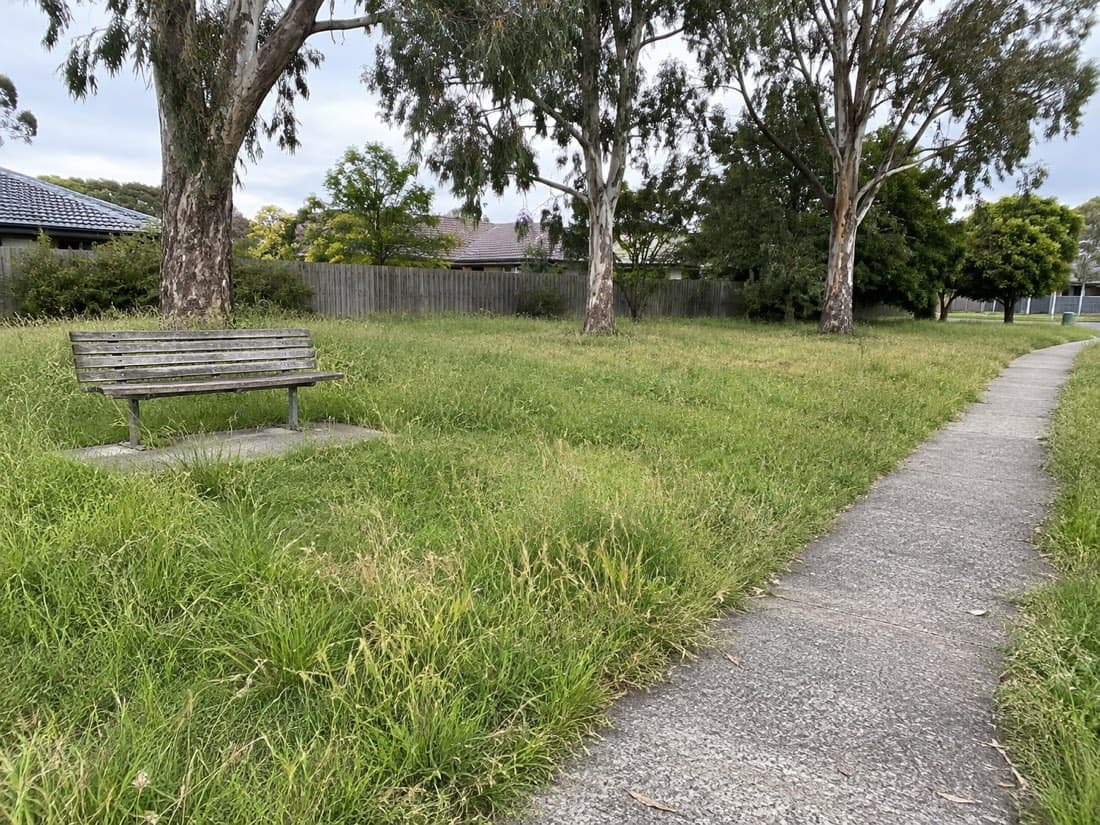
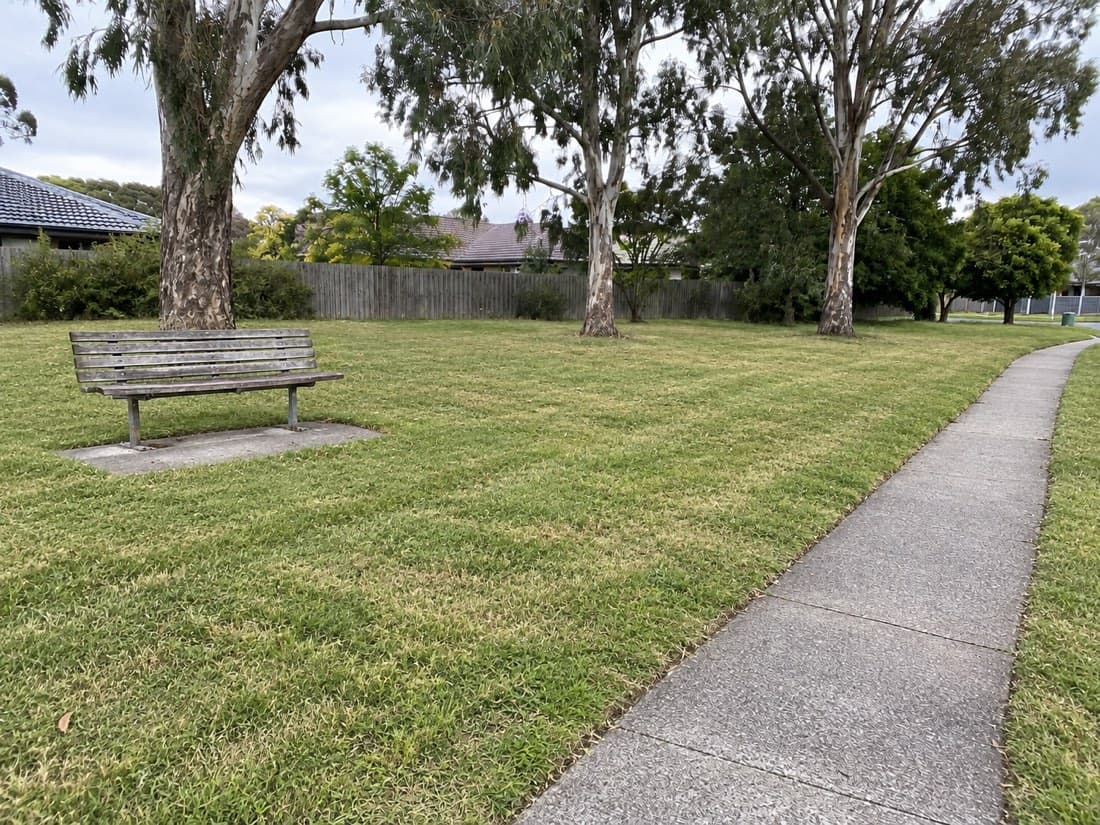
Organise sites into cut cycles and see what’s been completed across the round.
Plan the next cut. Keep your sites, field records and reporting together. From the first job of the day to the report that goes with your invoice.
14 days free. No card needed.
Verdue in the fieldAs at September 2026.
The work is done. The records should be ready, too. Give every site visit a place in the bigger picture.
On Operations, assign sites and tasks to your crew and follow their progress from the office. Open completed jobs to check the records and follow up anything missing.
The site boundary, office notes and gate code come with the job. Your crew adds the photos and notes, then taps Complete. Verdue keeps the time, recorded location and operator with the visit.
Open the job. Check the site and the work ahead.
Record the work. Capture the photos your contract needs.
Complete the visit. Keep the record with the site.
Illustrative product screens. The people, site and records shown are fictional.
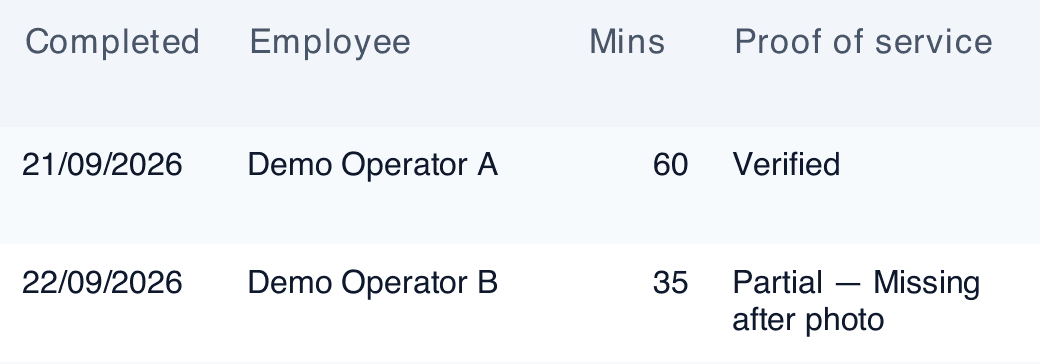
Verdue checks the evidence against the requirements configured for the job. The status helps you find missing photos or location issues before you send the report.
On Operations, configure proof requirements for your contracts. Check that these match what your client needs.
See how proof status worksFilter completed work by the dates you need, review the evidence and export a PDF. Check it against your client’s requirements before sending.
Your client can read the PDF without a Verdue account.
This excerpt comes from a report generated by Verdue using fictional demonstration records. It shows a verified record alongside one that needs review.
See the full report in a tailored demo, with a walkthrough of your reporting requirements.
Request a tailored demoScroll across the excerpt to see all columns →
With Verdue Remote Ops, Riley reviews the records and puts your weekly report together. See what that human review looks like.
This is a Remote Ops report prepared with human review, not an automatic software export. The contractor, sites and records are made up.
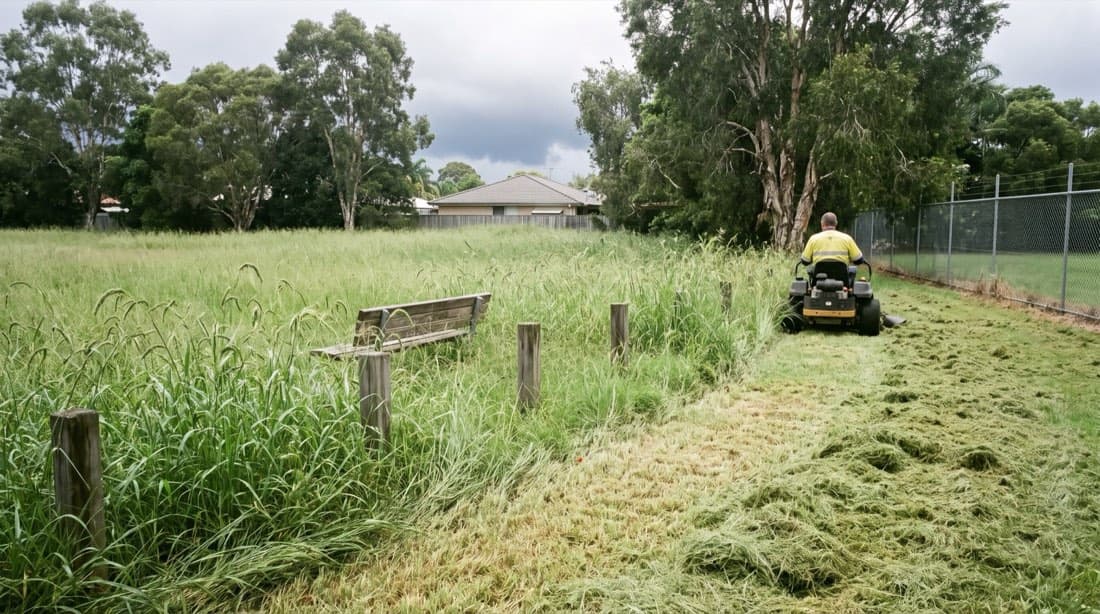
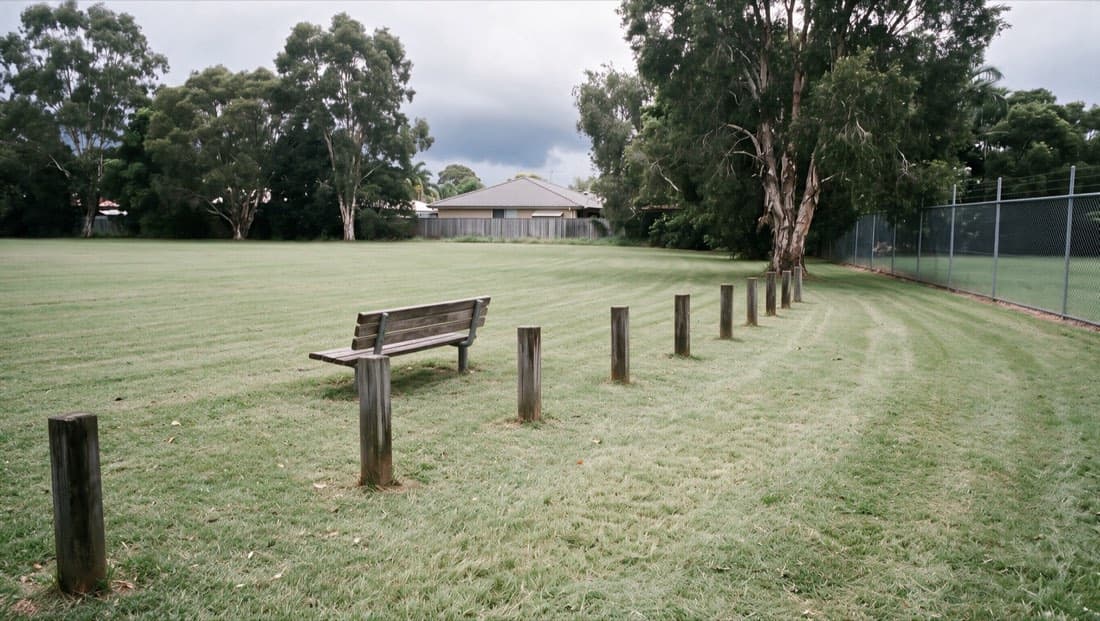
Parks, verges and reserves need regular work. Keep each visit with the site, plan the next cut and look back at the last one.
Organise sites into cut cycles and see what’s been completed across the round.
When a client asks when a reserve was cut, find the job and photos together.
A windscreen claim after slashing? Look back at when and where your crew recorded their work.

$29 /month
Job records and scheduling for up to 3 users.
GPS check-in, photos, route ordering and completion reports.
Explore Solo$79 /month
Separate logins for a growing team of operators.
Everything in Solo, with jobs attributed to each operator.
Explore Pro$249 /month
Coordinate crews and your contract requirements.
Everything in Pro, plus assignments, tracking, hazards, SWMS and proof configuration.
Explore OperationsCustom
A tailored setup for your crew and contracts.
Everything in Operations, unlimited crew, vehicles and assets, a council-dashboard feed and dedicated onboarding and support.
Talk to usUnlimited jobs and sites on every plan. Prices in AUD, exclusive of GST. You handle setup and reporting. Remote Ops includes Operations software, setup help and weekly reports prepared and checked by Riley, with no separate software bill.
RileyFounder, Verdue · Queensland
I used to work for a vegetation maintenance company. I built Verdue to keep the jobs, photos and reports together — so proving the work doesn’t become another job at the end of the week.
Why I built Verdue