
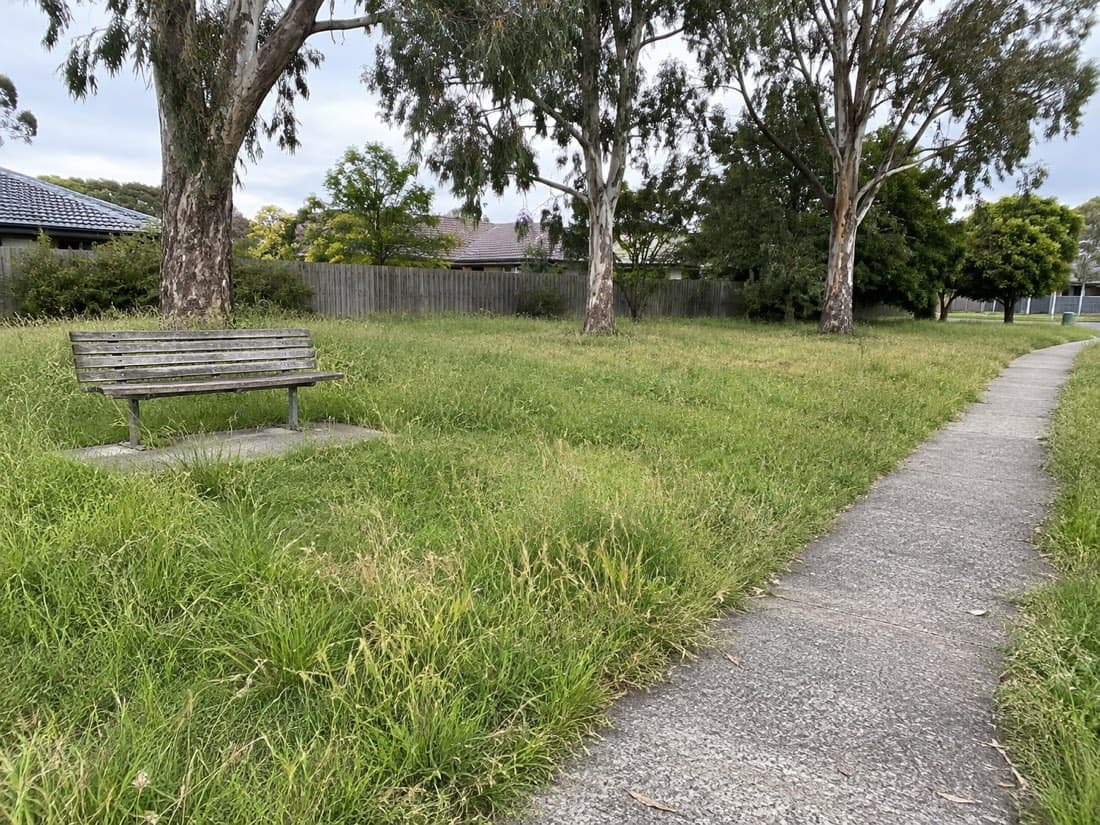
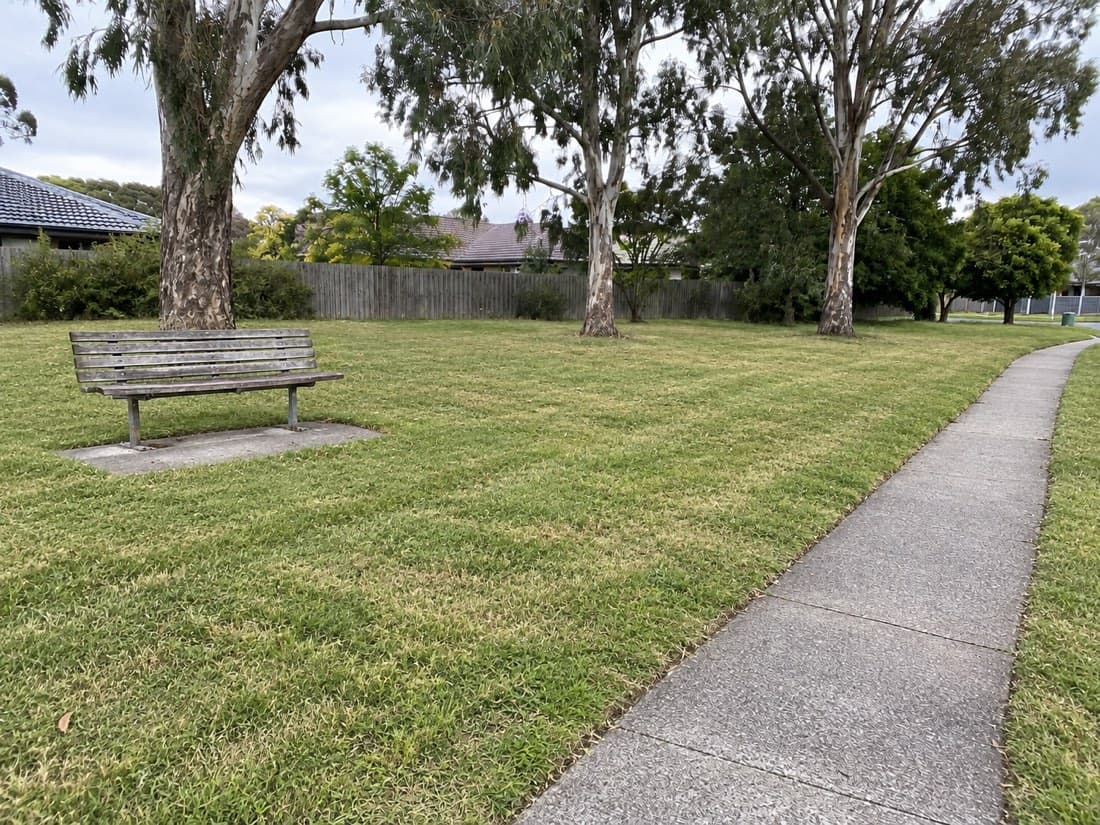
Evidence ready
VerifiedThe record meets its configured proof requirements.
Review the photos and available location measurements.
Plan the work. Record the visit. Check the evidence. Give your client a clear record of what’s been done.
14 days free. No card needed. Try it on your own sites.
Council · School · Strata
Field-work concept illustration. Fictional records.
Before the day starts
Set how often a site needs work and let Verdue schedule the next visit. Keep your recurring jobs, cut cycles and route together before the crew heads out.
Grevillea Reserve · An example October schedule
Weekly: 02, 09, 16 October 2026. Each visit is 7 days after the previous scheduled date.
With a supported council data connection, Verdue can automatically import site mapping and prefill services per year where supplied. Review the imported details against your contract before scheduling.
Schedule the jobs and put the route in order before heading into the field.
Assign sites and tasks so everyone knows what they’re responsible for before heading out.
On site
Open the job and check the site details and notes. Take the photos your contract needs, add your notes and complete the required checks before finishing.
Back in the office
Verdue checks the evidence against the requirements configured for the job. The status helps you find missing photos or location issues before you send the report.
Three illustrative findings. Read the evidence behind each one.
The record meets its configured proof requirements.
A position is recorded, but the required after photo still needs attention.
There is not enough location evidence to establish a position.
GPS accuracy varies. Read the measurements alongside the photos and notes.
Verdue compares the recorded position with the site location and proof requirements. GPS accuracy varies, so review the measurements alongside the photos and notes.
Configure proof requirements for your contracts. Check that these match what your client needs before relying on a report.
Ready for your client
Prepare a completion report from the work you need to include. Check your client’s reporting requirements before sending.
The photos, timing and operator stay with the work they describe.
Mowing and edging · Thu 24 Sep 2026
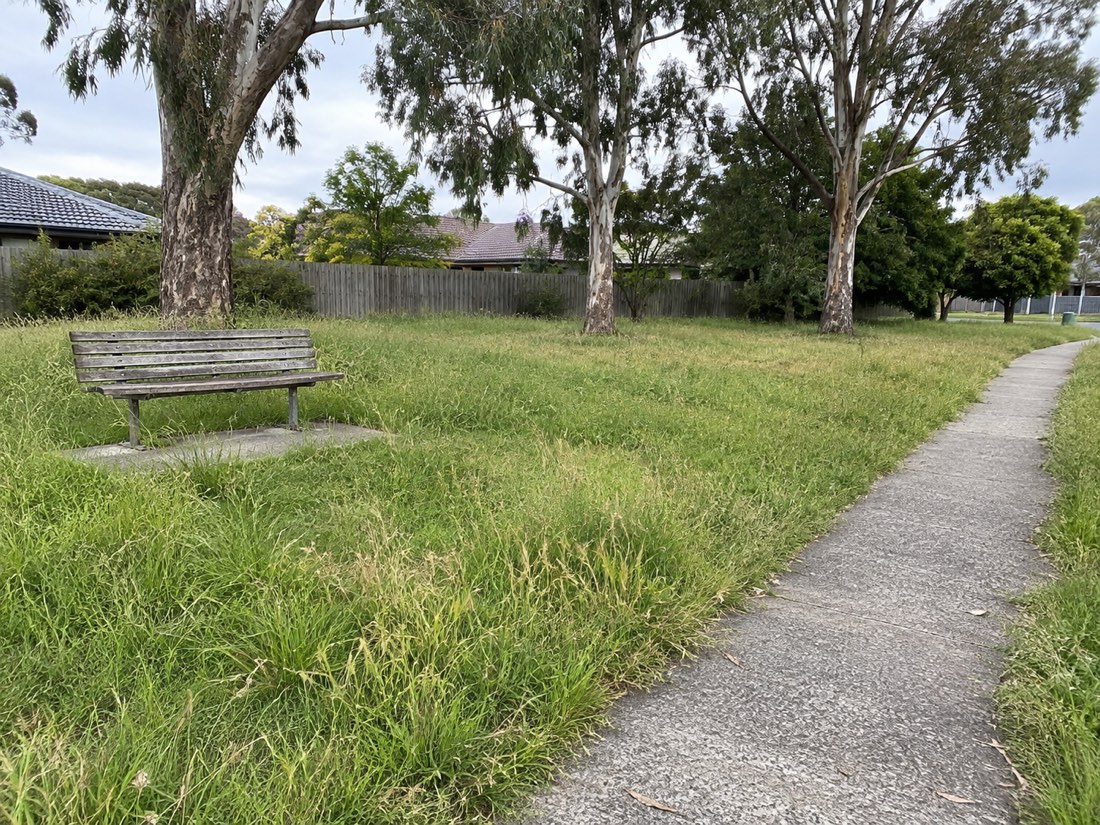
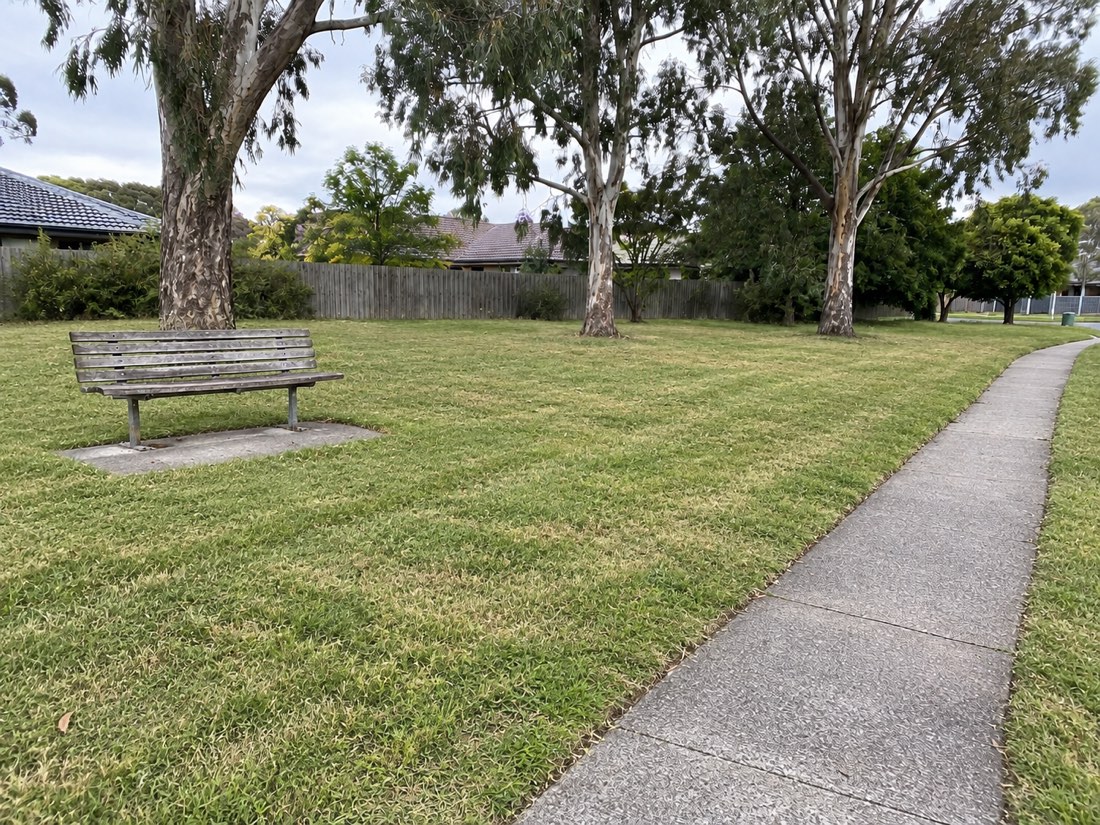
Mowing and edging complete. Clippings cleared from the path.
Example layout, not a generated PDF. Photos are illustrations.
Select the completed work and dates you need.
Check the available evidence and follow up anything missing.
Add any other documents your client requires and send it with your invoice.
We’ll walk through the full software report using demonstration records and discuss your reporting requirements. See a short report excerpt.
